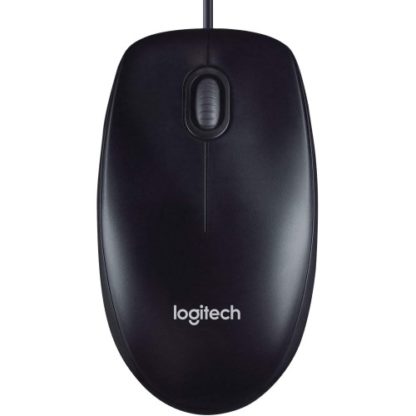
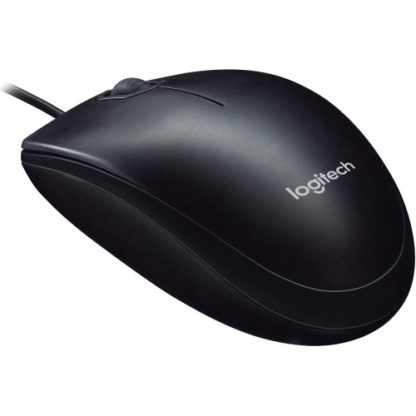
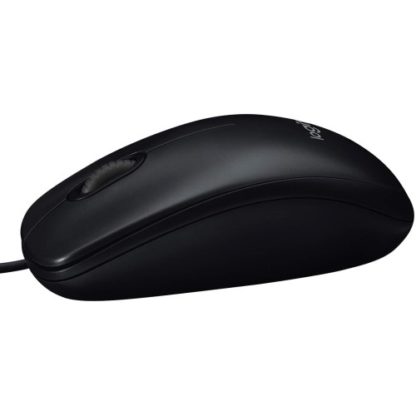
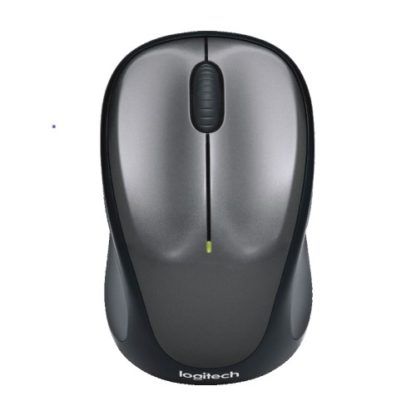
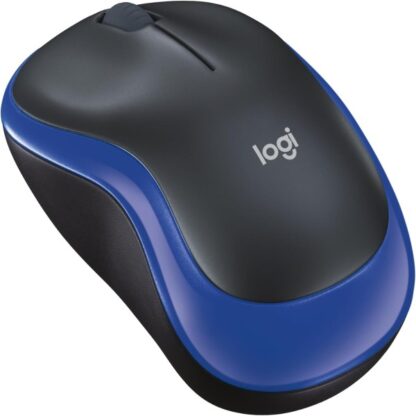
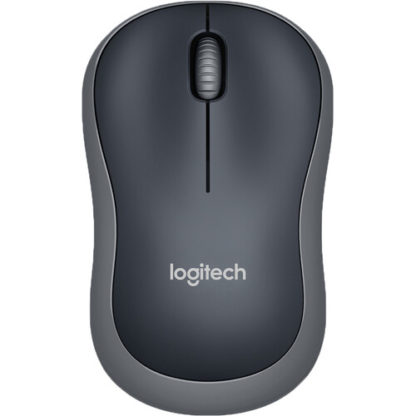
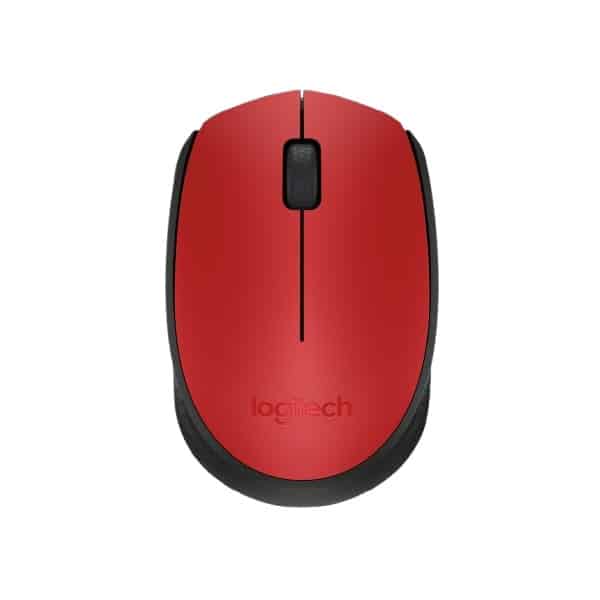
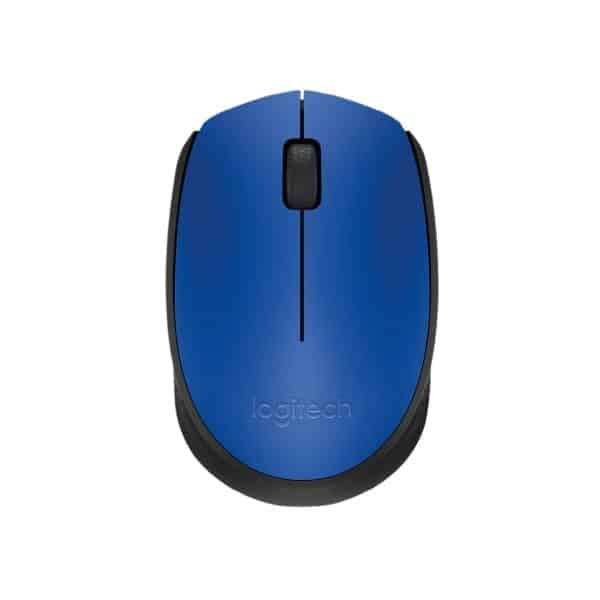
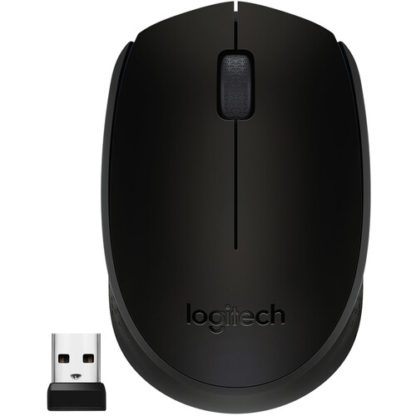
Logitech M90 USB Wired Mouse Overview
The Logitech M90 USB Wired Mouse is a simple, reliable, and budget-friendly input device designed for everyday computing. It offers plug-and-play functionality, making it ideal for office work, school use, and home setups without requiring any software installation. Built with Logitech’s trusted durability, it delivers consistent performance for basic tasks like browsing, typing, and document work.
Logitech M90 USB Wired Mouse Specifications Table
| Specification |
Details |
| Model |
Logitech M90 |
| Connectivity |
USB Wired |
| Sensor Type |
Optical |
| DPI |
1000 DPI |
| Buttons |
3 (Left, Right, Middle) |
| Scroll Wheel |
Yes |
| Cable Length |
Approx. 1.8 meters |
| Compatibility |
Windows, macOS, Linux |
| Design |
Ambidextrous |
| Weight |
Approx. 90g |
Logitech M90 USB Wired Mouse Price in Kenya
| Product |
Price (KES) (approx.) |
| Logitech M90 USB Wired Mouse |
700 – 1,500 |
Logitech M90 USB Wired Mouse Performance
• Provides consistent and responsive cursor control for daily tasks
• Reliable wired connection eliminates lag or battery concerns
• Suitable for office work, browsing, and document editing
• Smooth tracking across most surfaces
• Stable performance for long working hours
Logitech M90 USB Wired Mouse Build Quality and Design
• Durable plastic construction for long-term use
• Comfortable full-size shape reduces hand fatigue
• Ambidextrous design fits both left and right-handed users
• Lightweight for easy movement
• Simple and professional look
Logitech M90 USB Wired Mouse Connectivity and Compatibility
• USB-A connection for universal compatibility
• Works instantly without drivers or software
• Compatible with desktops and laptops
• Supports major operating systems
• Ideal for plug-and-play environments
Logitech M90 USB Wired Mouse User Interface and Controls
• Standard 3-button layout for easy use
• Smooth scroll wheel for navigation
• Simple operation with no learning curve
• Accurate pointer control for productivity tasks
• Suitable for beginners and professionals
Logitech M90 USB Wired Mouse Durability
• Built with reliable long-term usage standards
• Designed for continuous everyday use
• Wired design reduces failure points
• Strong cable and connectors
• Consistent performance over time
Logitech M90 USB Wired Mouse Ideal Use Cases
• Office and business work
• School and student use
• Internet browsing and research
• Desktop and laptop setups
• Budget-friendly computing environments
Logitech M90 USB Wired Mouse Pros and Cons
| Pros |
Cons |
| Affordable and budget-friendly |
No advanced features |
| Plug-and-play simplicity |
No adjustable DPI |
| Reliable wired connection |
Basic design |
| Comfortable ambidextrous shape |
Not suitable for gaming |
| Durable and long-lasting |
No extra programmable buttons |
Logitech M90 USB Wired Mouse FAQs
- Is the Logitech M90 good for office use?
Yes, it is ideal for everyday office tasks and productivity.
- Does it require software installation?
No, it is plug-and-play and works instantly.
- Can it be used for gaming?
It is suitable only for basic or casual gaming.
- Is it compatible with all computers?
Yes, it works with Windows, macOS, and Linux systems.
- Does it need batteries?
No, it is a wired mouse and does not require batteries.
Logitech M90 USB Wired Mouse Conclusion
The Logitech M90 USB Wired Mouse is a dependable and affordable choice for users who need a simple, no-fuss pointing device. With its plug-and-play functionality, durable design, and smooth optical tracking, it is perfect for office work, students, and everyday computing tasks.