Description
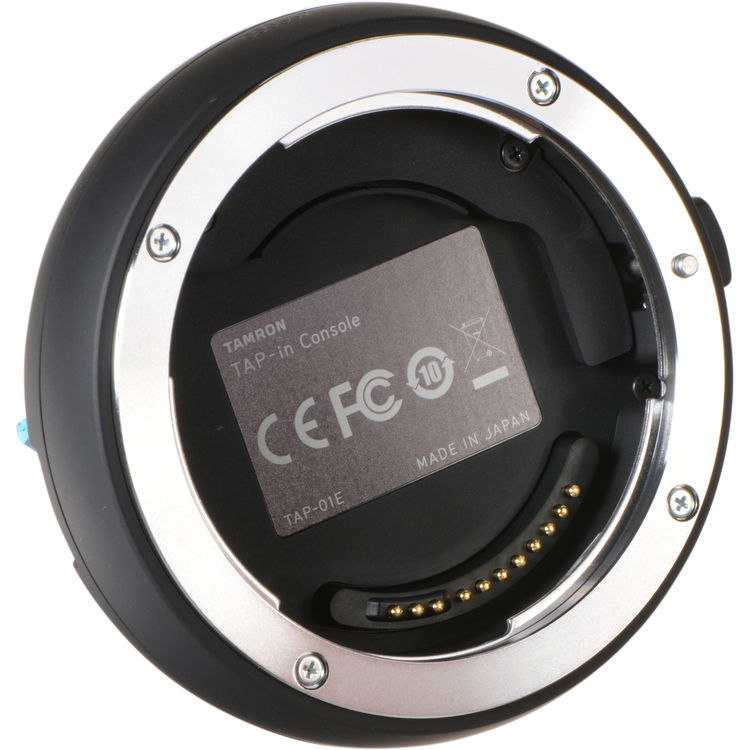
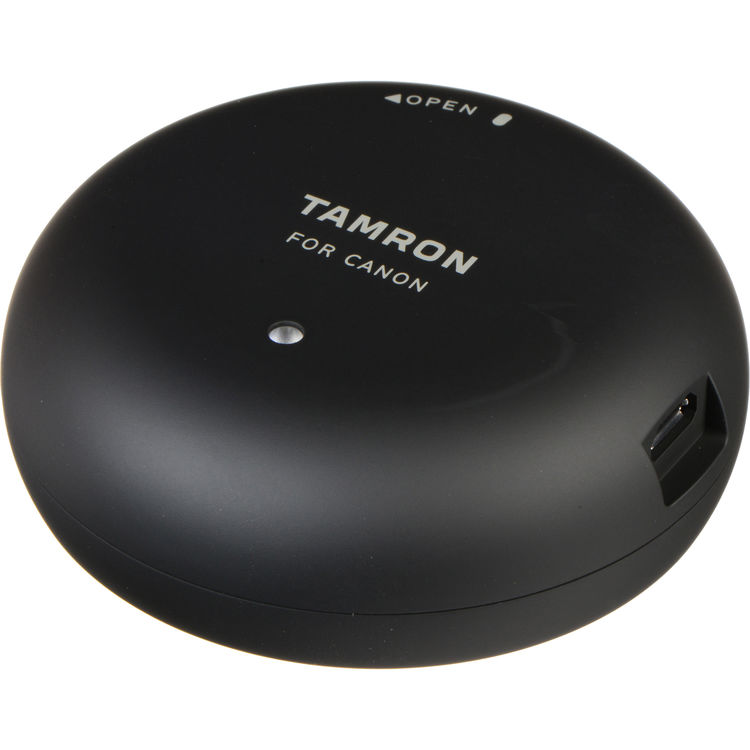
The Tamron TAP-in Console for Canon EF Lenses is a specialized accessory designed to help photographers update firmware and fine-tune compatible Tamron EF-mount lenses. It connects your lens to a computer using USB and allows customization of autofocus behavior, vibration compensation, and focus adjustments.
This tool is mainly used by professional photographers, studio users, and advanced hobbyists who want better control and optimization of their Tamron lenses for Canon DSLR systems.
Tamron TAP-in Console for Canon EF Lenses Price in Kenya
| Product Name |
Price in Kenya (KES) |
| Tamron TAP-in Console for Canon EF Lenses |
10500 |
Tamron TAP-in Console for Canon EF Lenses Key Specifications
| Specification |
Details |
| Compatibility |
Select Tamron EF-mount lenses |
| Connection Type |
USB (via docking console) |
| Software |
Tamron TAP-in Utility (PC/Mac) |
| Functions |
Firmware update, lens customization |
| Adjustments |
Focus, VC (stabilization), focus limiter |
| Power Source |
USB powered |
| Build |
Compact docking station design |
| Usage |
Lens calibration and optimization tool |
Design and Build
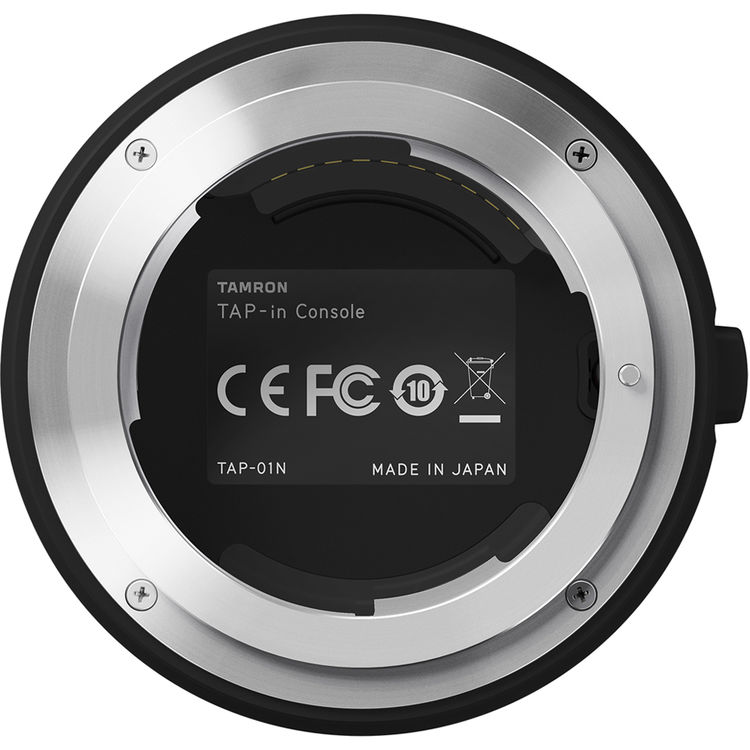
The Tamron TAP-in Console for Canon EF Lenses features a compact, lightweight docking design that connects directly to compatible lenses. It is built with a durable plastic housing and a secure mount interface that ensures stable connection during configuration. Its simple structure makes it easy to use, even for users with basic technical knowledge.
Tamron TAP-in Console for Canon EF Lenses Features and Performance
Tamron TAP-in Console for Canon EF Lenses Firmware Control Performance
- Tamron TAP-in Console enables easy firmware updates for supported lenses
- Tamron TAP-in Console ensures lenses remain optimized with latest improvements
- Tamron TAP-in Console improves long-term lens performance stability
Tamron TAP-in Console for Canon EF Lenses Focus and Calibration Features
- Tamron TAP-in Console allows precise autofocus fine-tuning
- Tamron TAP-in Console helps correct front or back focus issues
- Tamron TAP-in Console improves focusing accuracy for professional work
Tamron TAP-in Console for Canon EF Lenses Vibration Control
- Tamron TAP-in Console allows customization of VC (Vibration Compensation) settings
- Tamron TAP-in Console helps optimize stabilization for different shooting conditions
- Tamron TAP-in Console improves handheld shooting stability
Tamron TAP-in Console for Canon EF Lenses Smart Features
Tamron TAP-in Console for Canon EF Lenses Software Integration
- Tamron TAP-in Console works with dedicated TAP-in Utility software
- Tamron TAP-in Console supports both Windows and Mac systems
Tamron TAP-in Console for Canon EF Lenses Lens Personalization
- Tamron TAP-in Console allows customization of focus behavior
- Tamron TAP-in Console lets users adjust lens response to shooting style
Tamron TAP-in Console for Canon EF Lenses Professional Optimization
- Tamron TAP-in Console ensures lenses perform at factory-optimized levels
- Tamron TAP-in Console is designed for advanced photographic control
Tamron TAP-in Console for Canon EF Lenses Ideal Use Cases
Tamron TAP-in Console for Canon EF Lenses for Studio Photography
- Tamron TAP-in Console is useful for precise lens calibration in studio setups
- Tamron TAP-in Console ensures consistent focus accuracy in controlled environments
Tamron TAP-in Console for Canon EF Lenses for Wildlife and Sports Photography
- Tamron TAP-in Console helps optimize autofocus speed and tracking
- Tamron TAP-in Console improves lens responsiveness for fast subjects
Tamron TAP-in Console for Canon EF Lenses for Professional Maintenance
- Tamron TAP-in Console is used to keep lenses updated and optimized
- Tamron TAP-in Console helps maintain long-term lens performance
Tamron TAP-in Console for Canon EF Lenses Pros and Cons
| Pros |
Cons |
| Enables firmware updates |
Limited to compatible Tamron lenses |
| Improves autofocus accuracy |
Requires computer connection |
| Allows lens customization |
Not useful for non-Tamron users |
| Enhances stabilization control |
Needs software setup |
| Compact and easy to use |
No standalone operation |
FAQs
What is the Tamron TAP-in Console used for?
It is used to update firmware and customize compatible Tamron EF-mount lenses.
Does it work with all Canon lenses?
No, it only works with selected Tamron EF-mount lenses.
Do I need a computer to use it?
Yes, it connects via USB to a PC or Mac using dedicated software.
Can it fix autofocus problems?
Yes, it allows fine-tuning of autofocus accuracy.
Is it useful for beginners?
It is mainly designed for advanced users and professionals.
Does it improve image quality?
It does not directly improve optics but optimizes lens performance.
Conclusion
The Tamron TAP-in Console for Canon EF Lenses is an essential tool for photographers who want full control over their compatible Tamron lenses. It allows firmware updates, autofocus tuning, and performance optimization for professional-level results.
With a price in Kenya of 10500 KES, it is a valuable accessory for maintaining and improving lens performance over time.